October brought two strong open image models: FLUX 3 Image Klein, from Black Forest Labs, and MOSS-Image, from OpenMOSS. They join models the ComfyUI community already uses widely: Z-Image for photorealism, Qwen-Image-Edit-2511 for precise edits and SeedVR2 for upscaling. This guide explains what each model does, its resolution limits, where it struggles and what its licence allows. On Monday 26 October, Part 2 of our masterclass teaches them hands-on in ComfyUI, the open-source, node-based application we use in every course.

🧭 Which model for which job
Open weights means you download the model and run it on hardware you control, with no fee per image. The difficulty is choice: no single model does everything well. Here is how these five split the work, and what to watch for.
| Model | Best at | Resolution | Watch for | Licence |
|---|---|---|---|---|
| Z-Image Turbo | Photorealistic text to image in 8 steps | Up to 2048 x 2048 | Little variety between seeds; weaker on stylized looks | Apache 2.0 |
| FLUX 3 Image Klein | Edits from an instruction and reference images (up to 10 documented) | Up to 4K, sides in multiples of 16 | Anatomy errors, mostly hands and eyes | FLUX Kommunity License: free under 5 M USD of yearly revenue |
| MOSS-Image | Precise layouts and clean text in the image | 1 to 2 MP best, about 4 MP at most, any aspect ratio | Generates only; best at 50 steps; banding with the SFT version | Apache 2.0 |
| Qwen-Image-Edit-2511 | Precise edits, with a large library of community LoRAs | About 1 MP per input, up to 3 inputs in ComfyUI | Less photographic; plastic skin and oversaturation with the Lightning LoRA | Apache 2.0 |
| SeedVR2 | Upscaling and restoring images and video in one step | x2 or x4 in the official template | Oversharpening on lightly degraded inputs | Apache 2.0 |
The "Watch for" column combines the model cards, what the community reports and what we see in class. Models improve with updates and LoRAs, so test again before a production decision.
📷 Z-Image Turbo: photorealism in 8 steps
Z-Image comes from Tongyi-MAI. The family has 6 billion parameters, under Apache 2.0. Z-Image Turbo is its distilled version: 8 steps at CFG 1 in ComfyUI (CFG, classifier-free guidance, balances prompt adherence against a natural look). Its makers say it fits on a 16 GB consumer GPU and excels at photorealism, English and Chinese text, and following instructions.
On a 16 GB RTX 4090 laptop GPU, a 2048 x 2048 image takes about 28 seconds with the int8 file, or 42 seconds in bf16, which renders text and small details more accurately. Z-Image Turbo also drives the ControlNet we teach for control: the Z-Image Turbo Fun Union ControlNet, which makes the image follow a depth map or an edge map.
The trade-off is variety. Its makers rate Turbo's diversity as low, and community users see the same composition come back across seeds. The base Z-Image runs 50 steps with CFG, covers more styles, such as anime and illustration, and is the version to fine-tune.
🖼️ FLUX 3 Image Klein: edits that follow your references
Black Forest Labs published FLUX 3 Image Klein (Klein for short) on 15 October 2026. It has 5.6 billion parameters and handles generation, editing and layout boxes in one model. You describe a change and add reference images: a character, a product or a location that must stay recognizable. Black Forest Labs documents up to 10 references, and its prompt upsampler accepts at most 10. ComfyUI's Set Reference Multi Latent node takes more inputs, but past 10 you leave what Black Forest Labs documents. The first reference sets the output size. Klein generates up to 4K, with width and height in multiples of 16, from 64 to 4096 pixels.
Three things to know before you start:
- Use the prompt upsampler. Klein was trained on long captions written by a language model, so a short prompt sent as typed gives clearly weaker results. The prompt upsampler rewrites your request into that kind of caption first. Black Forest Labs says not to use Klein without it.
- References keep content consistent. A reference holds a face or a product steady. It does not lock the composition. For placement, Klein reads layout boxes on a 0 to 1000 grid. The boxes guide position and scale; they are not a hard mask.
- Two versions. The distilled version runs 16 steps without CFG, about six times faster. The base version runs 50 steps at CFG 4 and is the one to fine-tune; AI Toolkit trains LoRAs on it.
In our bootcamp, we have used Klein to turn a doodle into a photograph, to change a subject while keeping its pose, and to make a four-view turnaround sheet that feeds a 3D model. Since launch, community users report anatomy errors, mostly hands, eyes and limbs. Black Forest Labs says its int8 files run in ComfyUI on an 8 GB card (RTX 3070 class). The ComfyUI download is gated, with automatic approval: the int8 model (5.83 GB), its Qwen3-VL 4B text encoder (4.86 GB), the FLUX.2 VAE and the prompt upsampler (6.72 GB in its w4a8 version).
Licence: the FLUX Kommunity License lets companies under 5 million USD of yearly revenue, affiliates included, use Klein and its outputs commercially for free. Above that, you need a self-hosted licence or the paid API.
🔤 MOSS-Image: layouts and text in the image
MOSS-Image comes from OpenMOSS. It is a diffusion transformer (the architecture behind most current image models) of about 5 billion parameters, with a Qwen3.5 9B text encoder and the small FLUX.2 VAE. Its weights and code are Apache 2.0, with no gate. ComfyUI has supported it natively since version 0.42.0, and its ComfyUI files passed 1.6 million downloads on Hugging Face in their first week.
Its strength is design work. It renders English and Chinese text, and it reads layouts. In ComfyUI, you draw boxes with the Create Bounding Boxes node and describe each one: a title, a product, a background. The MOSS-Image Layout Prompt node turns them into the JSON layout the model reads, so each element lands where you drew it. MOSS-Image places boxes in pixel coordinates, where Klein uses a 0 to 1000 grid. For a poster or a title card, you place each element instead of generating again and again.
What to expect:
- Resolution. Its makers recommend 1, 1.5 or 2 megapixels. It extrapolates from 0.25 MP (512 x 512) to 4 MP (about 2K), at any aspect ratio, with width and height in multiples of 16.
- Steps. Its makers get the best results at 50 steps or more, with CFG 3. The ComfyUI template uses 25 steps at CFG 2.5 for speed: about 16 seconds for a 1024 x 1024 image on an RTX 5090 in our own pod test.
- Text. English prompts work best, since most of its training data is English. Automatic line breaks may not match your intent, so type the line breaks yourself.
- Limits. It generates; it does not edit. It comes in two versions: SFT, with cleaner text and layouts, and Base, without extra post-training, which suits LoRA training. Community users report faint banding in smooth areas with SFT, and experimental community LoRAs reduce it.
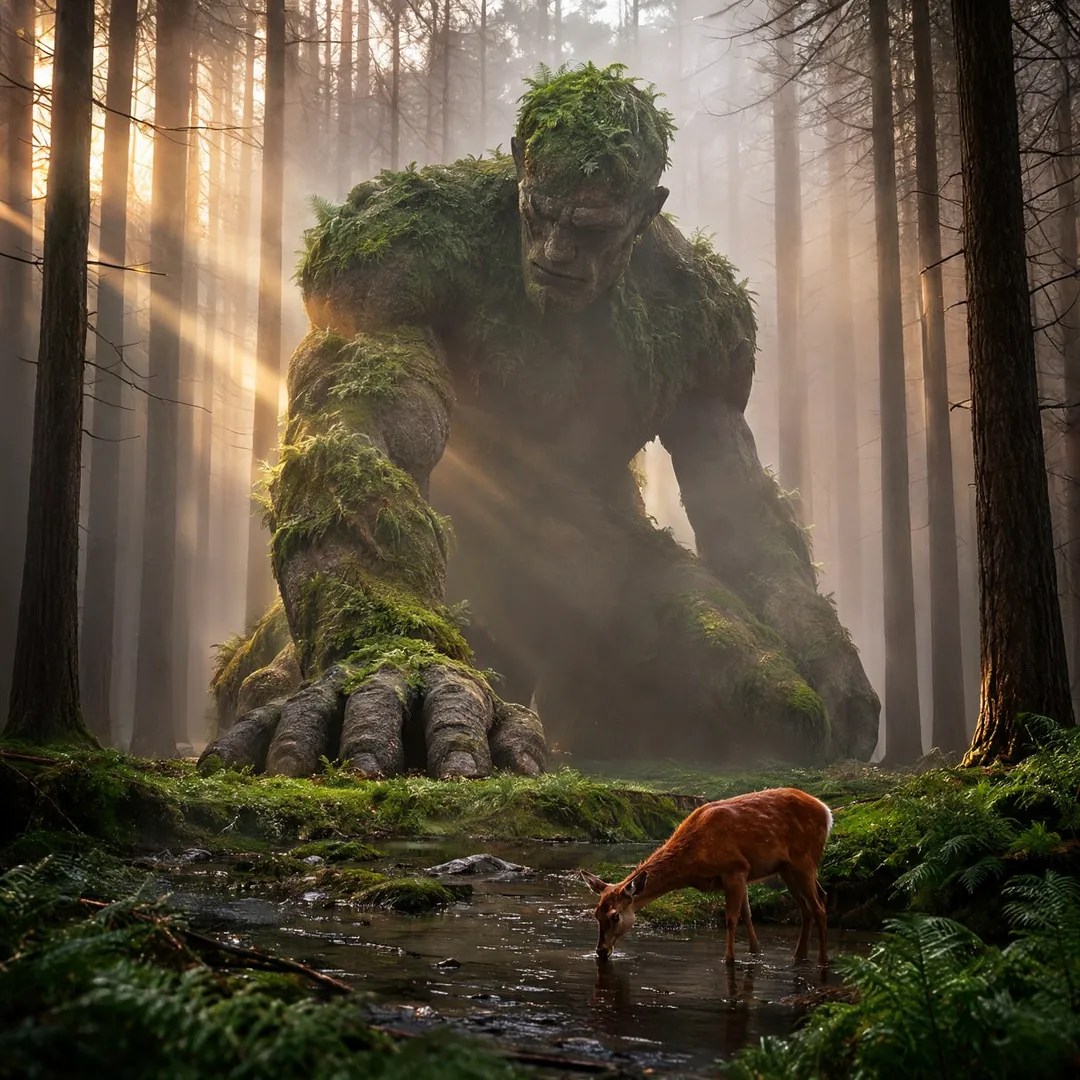
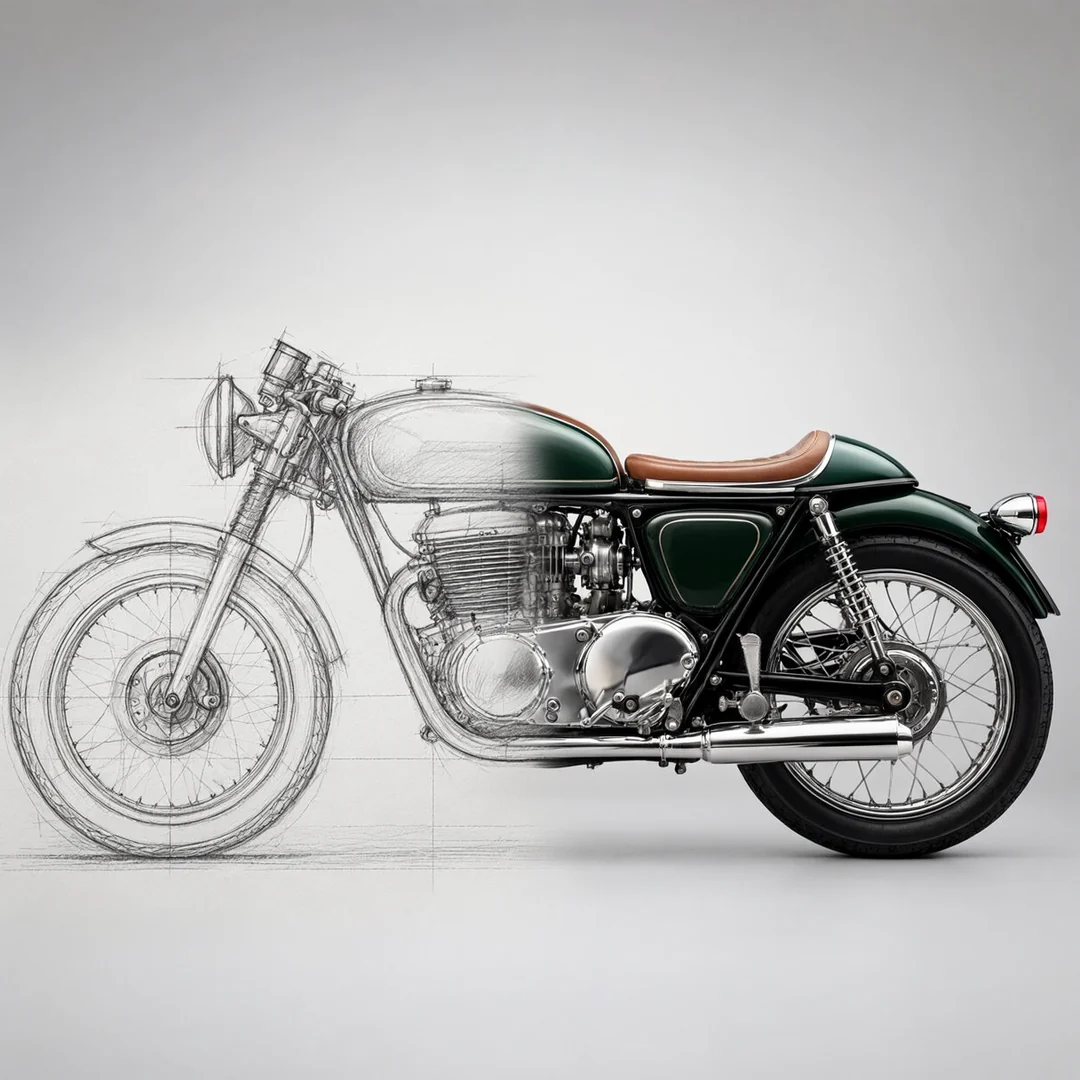
The images in this post come from our launch carousel. MOSS-Image rendered each one from a single text prompt, with the SFT int8 checkpoint at 50 steps and CFG 3, and no LoRA or reference image.
✏️ Qwen-Image-Edit-2511: precise edits and a large LoRA library
Qwen-Image-Edit-2511, from the Qwen team, is a 20.4-billion-parameter editing model under Apache 2.0, and still Qwen's latest editing release. You describe the change in plain words, and the model aims to leave the rest of the image untouched. In ComfyUI, it takes up to three input images, and its encoder node resizes each one to about 1 megapixel.
Its biggest asset is its ecosystem. The community has trained a large library of LoRAs for it, from character sheets and 360-degree panoramas to custom styles, and Qwen built some popular ones into 2511 itself, such as lighting enhancement and new viewpoints. Julien Chateau trained his own for the browser storyboard tool he built in our bootcamp.
Two things to watch:
- Format. The official ComfyUI template resizes your image to the nearest of 17 preset formats, so the edited frame no longer lines up with your plate. We teach a pad-and-crop chain that brings it back to its exact size.
- Realism and speed. Its results tend to look less photographic than the newest models. The Lightning LoRA, a small add-on trained for speed, takes it from 40 steps at CFG 4 to 4 steps at CFG 1, but community users report plastic skin and oversaturated colours with it. For realism, they go back to 20 steps or more.
🔍 SeedVR2: upscaling and restoration in one step
SeedVR2, from ByteDance Seed, is a one-step video restoration model that also works on still images: it restores and enlarges in a single diffusion step. It comes in 3B and 7B versions under Apache 2.0, and the int8 files weigh 3.46 GB and 8.33 GB. ComfyUI has supported it natively since version 0.28.0 (July 2026). Before that, we co-developed the custom node with NumZ.
RealESRGAN, a classic upscaler, adds generic fine texture. SeedVR2, a diffusion model trained for restoration, rebuilds detail from the degraded image. Its model card states its limits plainly: heavy degradation and very large motion can defeat it, and on lightly degraded inputs, such as 720p AI-generated video, it can invent detail and oversharpen. Compare it with a plain upscale on your own shot. The official image template upscales four times by default; on a 16 GB card, use two times.
🎯 What you build on Monday
Our masterclass is a hands-on AI course for VFX artists, filmmakers, content creators and technical directors. Part 2 covers image generation, editing, control and upscaling with the current open image models, including the five above. You build every workflow yourself, step by step, with the instructor:
- Text to image: prompts, seeds, steps and CFG.
- Editing with instructions and reference images.
- Layouts and text in the image.
- Control: depth and edge maps that drive the composition (ControlNet), and masked edits (inpainting) that change one area only.
- Upscaling for delivery.
You leave with the workflows you built, the session recording, the course deck with every source and download link, and a certificate of completion if you attend live. Each part teaches the strongest open tools at its date, so the lineup follows the state of the art.
⚡ The practical details
Monday 26 October 2026, 10:00 AM to 2:00 PM Toronto time (ET): 7:00 to 11:00 AM in Los Angeles, 2:00 to 6:00 PM in London, 3:00 to 7:00 PM in Paris. Live over Google Meet, in English, with 12 seats at most.
Bring a working ComfyUI: the Part 1 recording covers the installation. The hands-on work needs an NVIDIA GPU with at least 16 GB of VRAM (video memory), or a Runpod pod started with ainvfx-runpod, our open-source toolkit. New to Runpod? Tell us when you enroll, and we help you set it up.
The session costs 399 USD, or 499 USD with a 45-minute 1-on-1 mentoring session in English or French. Every full-price purchase earns 50% off one future session, mentoring session or recording, and your fee counts toward a bootcamp seat, up to 499 USD.
🗓️ The rest of the series
Each part is a standalone 4-hour session, one Monday a month: Part 3, video generation, on 30 November 2026; Part 4, 3D generation, on 25 January 2027; Part 5, LoRA training, on 22 February 2027; Part 6, pipeline integration, on 22 March 2027. Part 1, foundations, is available as a recording for 199 USD.
🎓 Going further: the Bootcamp in 2027
The Generative AI Bootcamp for Film and TV is 60 live hours on your own production case, taught by Adrien Toupet and Rafael Drelich. A jury of working professionals reviews your project halfway through and in the last session. Runpod cloud GPU credits are included, and the three best projects win prizes of up to 1,500 USD per project member. No prior AI experience is needed. Past participants built Unreal Engine plugins, a browser storyboard tool and a gesture-driven installation.
Three cohorts run in 2027, each with 15 sessions of 4 hours on Wednesdays and Fridays, 9:00 AM to 1:00 PM Toronto time: 22 January to 12 March, 9 April to 28 May, and 17 September to 5 November. A seat costs 2,995 USD, everything included, with installments on request.
🇫🇷 Funding in France
The Afdas, the French training fund for culture and media professionals, can fund your bootcamp seat through the CST (Commission supérieure technique de l'image et du son), our training partner, subject to Afdas approval. Register on the CST website first, then fill in our form to accept our terms. Cohort 3 runs 3:00 to 7:00 PM in Paris, and the CST deadline is 22 December 2026 for Afdas-funded registrations. The CST asks for two years of professional experience in image production and a good level of English.
❓ Questions we often get
Can I use these models commercially? Z-Image, MOSS-Image, Qwen-Image-Edit-2511 and SeedVR2 are under Apache 2.0, which allows commercial use. FLUX 3 Image Klein is free for commercial use under 5 million USD of yearly revenue. This is a summary, not legal advice.
Do I need Part 1 first? No. You need a working ComfyUI, and the Part 1 recording covers the installation if you need it.
What if I miss the live session? You receive the recording and the course materials, available for at least 12 months.
🔗 Sources & Links
🎓 Programs:
- Masterclass: Master Generative AI for Film and TV
- Generative AI Bootcamp for Film and TV
- CST listing, for Afdas funding
🧠 Models:
- Z-Image Turbo • Z-Image
- FLUX 3 Image Klein • ComfyUI files • reference code and documentation
- MOSS-Image SFT • ComfyUI files • user guide
- Qwen-Image-Edit-2511 • Lightning LoRA
- SeedVR2 7B • ComfyUI files • ComfyUI-SeedVR2 node
🛠️ Tools:
📄 Related Posts:
- One-step 4K video upscaling and beyond, for free in ComfyUI with SeedVR2
- From 20-year-old ink drawings to an AI short film: training custom LoRAs for Z-Image and LTX 2.3
- From rough sketch to clean storyboard: a ComfyUI tool built in the Bootcamp
- Demystifying ComfyUI: complete installation to production workflow guide